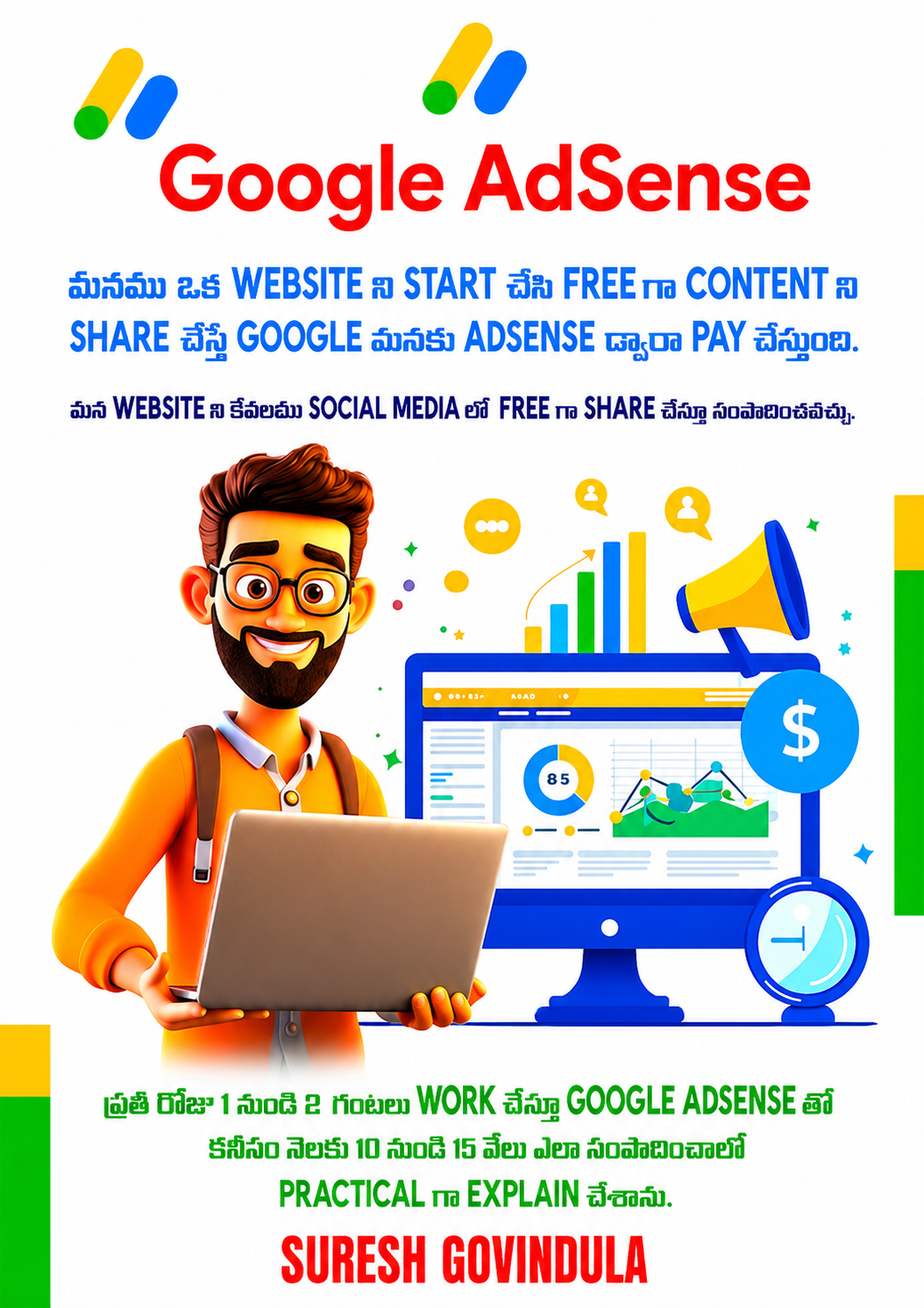
మీరు మీ Own Website ని Wordpress ద్వారా Start చేసి Content ని Social Media లో Share చేస్తూ Google AdSense ద్వారా సంపాదించండి
ప్రతీరోజు మనము ఏదో ఒక Topic ని Google లో వెతుకుంటూ ఉంటాము Free గా ఎదో ఒక Website నుండి Information ని తీసుకుంటాము, మనకు Free గా Information ని Provide చేస్తే ఆ Website ఎవరు start చేసారో వారికి Money Google AdSense ద్వారా Pay చేస్తుంది, అలా మనము కూడా ఒక Website ని Start చేసి సంపాదించవచ్చు.
మీరు మీకు knowledge ఉన్న విషయం మీద ఒక Own Website ని WordPress ద్వారా Simple గా Start చేసి, articles, blogs, or tips & tricks type content ని అందులో publish చేయవచ్చు. Example కి, మీరు Cooking, Education, Digital Marketing, Health, Technology వంటి topics మీద మంచి knowledge ఉంటే, మీరు ఆ విషయాల మీద Articles prepare చేసి మీ Website లో పెట్టవచ్చు.
Once మీరు Content తో 20 articles post చేస్తే, Google AdSense కోసం apply చెయ్యవచ్చు. Approval వచ్చిన తర్వాత మీ Website లో ads appear అవుతాయి. ఆ ads మీద clicks వచ్చినప్పుడు, impressions వచ్చినప్పుడు మీరు income earn చేస్తారు.
ఈ విధంగా మీరు మీ WordPress Website ద్వారా Passive Income generate చేయవచ్చు. Regular content, proper SEO, and active sharingతో మీరు Google లో ర్యాంక్ చేయడం ద్వారా Long-Term గా income సంపాదించవచ్చు.
ఈ Process ద్వారా మీరు work ని Start చేసినప్పటినుండి కనీసం రోజుకు 4 Dollers వరకు సంపాదించవచ్చు.
ఈ Book లో step by step telugu లో మొత్తం explain చేసాను. మీకు ఏమైనా Doughts వస్తే నాకు Direct గా Call చేయవచ్చు.
ఒకవేళ మీరు ఏదైనా కారణం చేత Book ను Return చెయ్యాలి అనుకుంటే వారు Return Book పైన Click చేసి Details Enter చేసి Submit చెయ్యండి, Refund ఇవ్వబడుతుంది.
Book Details:
Book Cost: 499 (Including Courier)
Pages: 275
ISBN: 978-93-343-0583-8
Book Contents:
Course Content - Website Creation & Google AdSense
Chapter 1: AdSense & WordPress అంటే ఏమిటి?
- Google AdSense అంటే ఏమిటో Intro
- AdSense ఎలా Work అవుతుంది: CPC, CPM, CTR అంటే ఏమిటి
- WordPress అంటే ఏమిటి, ఎందుకు వాడాలి?
- WordPress.com vs WordPress.org తేడా
- Summary: Website + AdSense = Online Income
Chapter 2: WordPress Website ఎలా Start చేయాలి?
- Domain name ఎలా ఎంచుకోవాలి
- Hosting ఎలా Select చేయాలి (SSL ఉండే Hosting తీసుకోవాలి)
- WordPress Step-by-Step Install చేయడం
- WordPress Dashboard Overview
Chapter 3: Theme & Plugin Setup – Clean మరియు Functional Site కోసం
- Free Themes vs Premium Themes
- Astra / GeneratePress Theme ఎలా Install చేయాలి
- Basic Plugins: RankMath, Site Kit
- Mobile-Friendly Layout ఎలా Set చేయాలి
Chapter 4: SEO-Friendly Articles ఎలా రాయాలి?
- మీ Niche & Topic ఎలా ఎంచుకోవాలి
- Keyword Research Tools ఎలా వాడాలి
- Article Structure: H1 to H4, Links, Images
- Live Example: ఒక్క Article ఎలా Prepare చేయాలి
Chapter 5: Pre-AdSense Checklist – Apply చేయక ముందు చూడాల్సినవి
- Minimum Content ఎంత ఉండాలి?
- Must-Have Pages: About, Privacy Policy, Contact
- Site Design, Speed ఎలా ఉండాలి?
Chapter 6: Google AdSense Approval Process
- AdSense కి ఎలా Apply చేయాలి?
- Approval కి Time ఎంత పడుతుంది?
- Rejection వచ్చినప్పుడు ఎం చేయాలి?
Chapter 7: Ad Placement Strategy – Clicks & Earnings పెంచే టిప్స్
- Ads ఎక్కడ పెట్టాలి? Best CTR Strategy
- Manual Ads vs Auto Ads
- Mobile Layout లో Ads ఎలా Optimize చేయాలి
- Ideal Ad Layouts Examples
Chapter 8: Social Media నుండి Traffic తీసుకొచ్చే టిప్స్
- Facebook Page & Groups Strategy
- Instagram Reels + Link in Bio
- Pinterest Blogs కోసం ఎలా వాడాలి
- WhatsApp & Telegram ద్వారా Share చేయడం
Chapter 9: Digital Marketing Basics for Bloggers
- Digital Marketing అంటే ఏమిటి?
- Organic vs Paid Traffic తేడా
- Tools: Mailchimp, Buffer, Canva
Chapter 10: SEO for WordPress – Google లో Rank అవ్వడం ఎలా?
- On-Page SEO Tips
- Off-Page SEO Basics
- RankMath Plugin ఎలా వాడాలి
- Sitemap & Robots.txt ఎలా Setup చేయాలి
Chapter 11: Visitors ను Track చేయడం – Google Analytics & Search Console
- Google Analytics Setup చేయడం
- Traffic Sources ఎలా చూస్తారు?
- Google Search Console ఉపయోగించడం
- Indexing, Coverage Issues Fix చేయడం
Chapter 12: AdSense ద్వారా ఎంత Income వస్తుంది?
- Pageviews vs Earnings Relation
- CPC Niche & Country ద్వారా ఎలా Change అవుతుంది
- Monthly Potential Earnings
- AdSense Dashboard Tour
Chapter 13: Common Mistakes – Ban అయ్యే అవకాశాలు
- Invalid Clicks, Policy Violations
- Copyright Issues ఉండకూడదు
- Too Many Ads Avoid చేయాలి
- Safe Practices ఏవి?
Chapter 14: Passive Income System ఎలా Build చేయాలి?
- Evergreen Content Create చేయడం
- Content Calendar Plan చేయడం
- Email List Build చేయడం
- Automation Tools తో Time Save చేయడం
Chapter 15: Alternative Ad Networks కూడా Try చేయండి
- Media.net
- Ezoic
- Propeller Ads
- AdSense తో Compare చేయండి
Chapter 16: Scale Up – ఇంకా Blogs Start చేసి Income Grow చేయండి
- Multiple Niche Blogs ఎలా Start చేయాలి
- Content Writing Outsource చేయండి
- Workflow Management Tools: Notion, Trello
Chapter 17: Final Words & 30-Day Action Plan
- Complete Summary & Key Points
- Next 30 Days ఏం చేయాలో Daily Steps
- Motivation & Mindset Tips
- Real-Life Success Stories
Bonus Section:
- 25 Profitable Niche Ideas for AdSense
- SEO Tools (Free & Paid) List
- Content Writing Templates
- Weekly Blogging Planner (Printable)
- Social Media Caption Templates
- Canva Templates for Blog Sharing